


How to Plan a Fashion Photoshoot: Tips for Clothing Brands, Models, and Campaigns
Planning a fashion photoshoot is like solving a complex puzzle. If one piece is missing, like a wrinkled shirt or a model who doesn’t convey the right “vibe,” the entire campaign fails. To succeed, focus on three pillars:
- Technical Precision: Showcase the clothing clearly and correctly.
- Expressive Performance: Capture the models’ movement, energy, and expressions.
- Brand Alignment: Keep all visuals aligned with the brand’s style and identity.
Contents
- 1 Part 1: Fashion Photography for the Clothing Brand (Strategy, Vision & Setup)
- 2 Part 2: Fashion Photography for the Models (Selection & Performance)
- 3 Part 3: Fashion Photography for the Campaign (Ad Strategy & Marketing)
- 4 Part 4: Fashion Photography on Mobile (iPhone & Android)
- 5 Professional Fashion Photography by Wise Monkeys
Part 1: Fashion Photography for the Clothing Brand (Strategy, Vision & Setup)
For a clothing brand, fashion photography is about Visual Accuracy. If customers cannot feel the fabric, your photos must convey it.
A. Professional Photography Styles
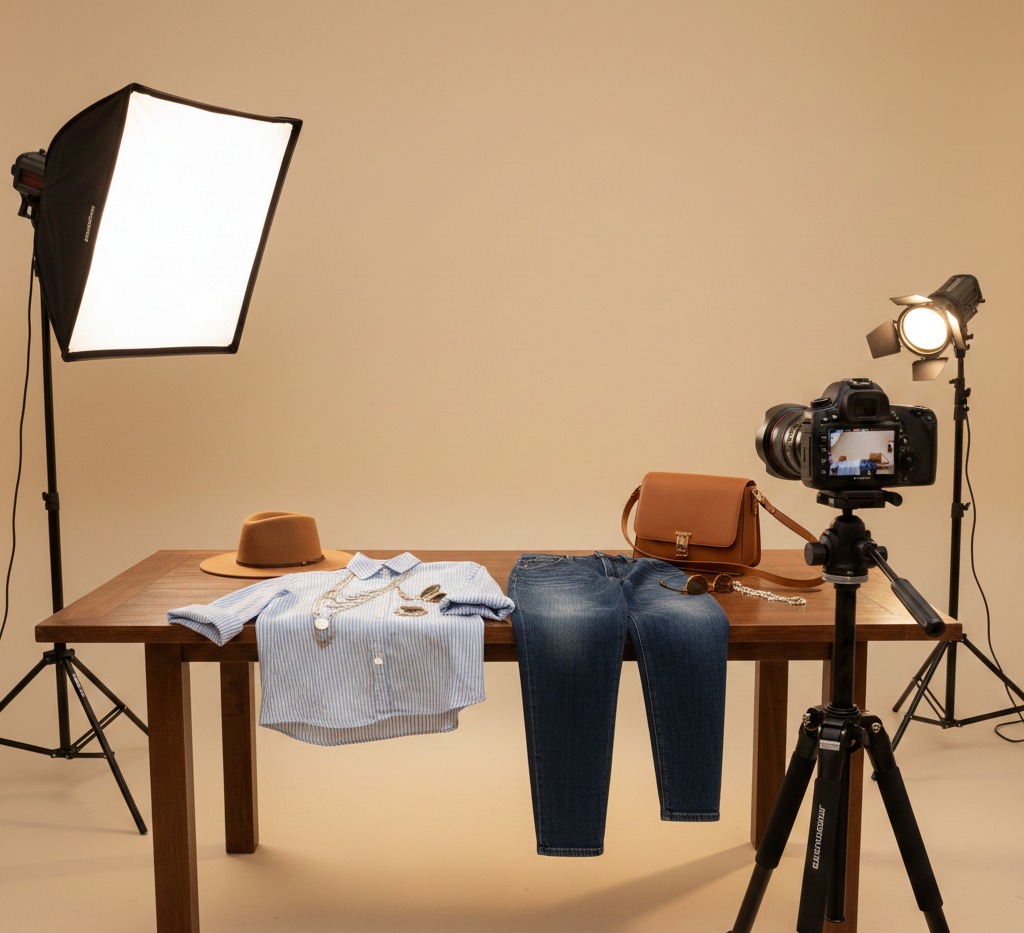
- Flat Lay (The DIY Solution): Arrange clothing on a flat surface and shoot from directly above (90°). Ideal for basics and accessories.
- Models and Mannequins (The “Fit” Solution): Showing how garments drape on a body reduces returns. Use Ghost Mannequins (editing out the mannequin in post-production) for a premium 3D hollow look.
- Lifestyle (The “Context” Solution): Place clothes in natural or everyday settings (e.g., streets, cafes). Use locations that complement the garment’s colors (e.g., earth tones in wooded areas).
B. The Setup & Space Solution
- Space: A room or a blank wall works fine. You just need enough “throw distance” for the lens and space for the tripod and lights.
- Backdrop: White or light gray is the standard. For light-colored items, an off-white or gray backdrop provides better contrast.
Preparation:
- Steam everything 15 minutes before the shoot.
- Use a lint roller before every shot.
- Use bulldog clips on the back of the clothes to adjust the fit on the model.
C. Technical Camera Solution (Clothing Focused)
Lenses:
- Macro Lens: Captures close-up details like stitching and fabric texture.
- 50mm Prime Lens: Mimics the human eye; perfect for full-body shots without distortion.
Exposure Settings:
- ISO: 100–200 (for crisp, clean images).
- Aperture: f/8 to f/11 (to keep the entire garment in focus).
- Shutter Speed: Use a tripod and set to 1/125 or higher to prevent shake.
- White Balance: Set manually using a grey card to make the on-screen color match the actual fabric.
Part 2: Fashion Photography for the Models (Selection & Performance)
Models show how the clothing fits and moves, providing scale and motion that a mannequin cannot. When shooting both male and female models, the overall “vibe” should remain aligned, even though posing styles differ.
A. Selection & Directing
Casting: Use models of different heights and body types to help customers visualize the fit.
- Males: Focus on shoulder width and height.
- Females: Focus on how the garment drapes over the waist and hips.
The Brief: Share a mood board 48 hours before the shoot, including hair, makeup, and the chosen “energy” (e.g., minimalist vs. edgy).
Undergarments:
- Females: Skin-toned, seamless undergarments and strapless bras to avoid visible lines.
- Males: Neutral-colored boxers and invisible undershirts if needed to prevent bulk under shirts.
B. Directing (The Angle Method)
Use the model’s body angles to form natural shapes and avoid stiff poses. The purpose is to show the clothing clearly from multiple views.
- For Men (Sharp Angles): Focus on structure and posture. Use hands in pockets, adjusting a watch or cuff, or leaning against a wall with one elbow out. These poses show the garment’s fit across the shoulders, chest, and arms.
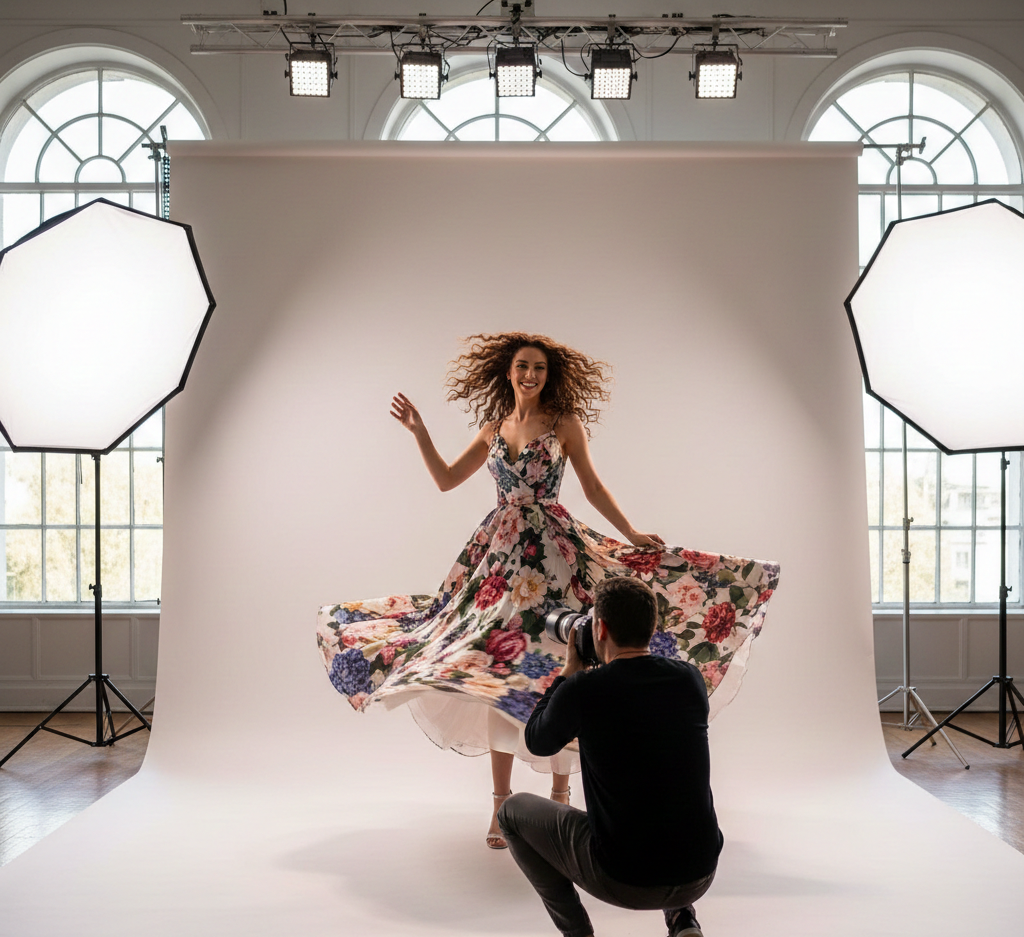
- For Women (Soft Angles): Focus on natural movement. Use a slightly bent knee, a hand placed on the waist, or a light head tilt. These positions show how the fabric falls and fits around the body.
C. The Sitting Pose (Relaxed & Real):
- Men: Sit on a stool with knees slightly apart or one ankle resting over the opposite knee. This clearly shows the trousers’ length, break, and fit.
- Women: Sit on a chair or the floor with legs placed to one side. This is perfect for showing fabric volume, drape, and softness.
D. The “Walking” Pose (Motion)
Ask the model to walk slowly toward the camera. This captures how the fabric moves, swings, and settles during use.
- The Over-the-Shoulder (Back Detail): Have the model turn away from the camera and look back over one shoulder. This is the best way to show back prints, hood details, or the fit of the shoulder blades.
- The Accessory Touch: If the clothing has pockets, hoods, or drawstrings, ask the model to interact with them. Put hands deep in pockets or lightly hold the hood. This shows how the garment fits on the body.
- Micro-Movement: Instruct the model to make small, gentle movements, about “one inch” after every shot. This provides multiple frames for the editor to select the best one.
Pro Tip for Lighting Poses:
- Handling Shadows: When a model is sitting or has their hands in their pockets, it can create “dark spots” on the fabric. Use a fill light or a white foam board to reflect light into these areas so all fabric details remain visible.
E. Technical Camera Solution (Model Focused)
- Lens: Use an 85mm Prime lens for flattering and natural portraits.
- Focus: Enable Eye-Autofocus (Eye-AF).
Exposure Settings:
- Shutter Speed: 1/400 or faster to capture movement without blur.
Aperture:
- For Clothing Products: f/8 to f/11 keeps the entire garment in focus, showing all details from front to back.
Aperture f/2.8 to f/4 keeps the model in focus while slightly blurring the background, highlighting the subject in the frame.
Part 3: Fashion Photography for the Campaign (Ad Strategy & Marketing)
A campaign uses images to increase sales. Capture shots should focus on creating visuals that turn viewers into customers.
A. Ad-Ready Composition
- Negative Space: Leave “empty” space (the sky or a wall) on one side of the model. This is where you will add “SHOP NOW” text or logos later.
- Vertical Focus: Capture vertical (9:16) shots for TikTok, Instagram, and Snapchat, as most users browse and shop on mobile. Include landscape shots for other platforms as well.
- Shot List: Include “Wide” (story), “Medium” (styling), and “Tight” (product) shots for ad variety.
B. Lighting the Vision
3-Point Lighting:
- Key Light: The main light facing the product or model.
- Fill Light: Softens harsh shadows for a balanced look.
- Backlight: Creates separation between the model and the background.
Natural Light: If studio lights aren’t available, shoot near a large window or outdoors during Golden Hour for soft, flattering light.
C. Technical Camera Tips (Campaign Focused)
- Lens Choice: Use a 24-70mm zoom lens. Start with a wide shot for the full scene, then zoom in to capture product details without stopping the shoot.
- White Balance: Manually set your camera to 5600K (Daylight) before shooting. This keeps colors even and accurate for the entire campaign.
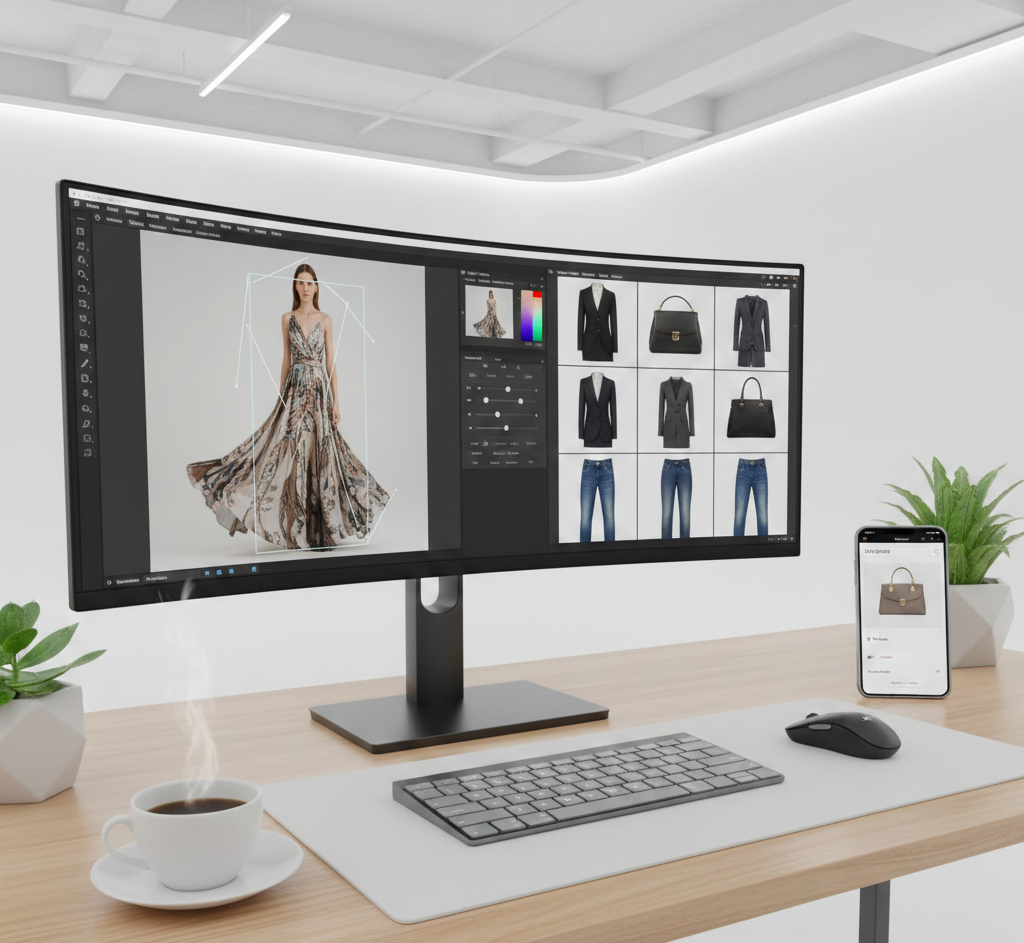
- Editing & Color Matching: Import all photos into Adobe Lightroom and apply the same “Preset” or “Filter” to every image. This keeps the colors even and gives the campaign a clean, professional look.
Part 4: Fashion Photography on Mobile (iPhone & Android)
Smartphones can produce professional-quality images when you use manual settings instead of “Auto.” Manual controls allow you to create a high-end look without a DSLR.
A. Camera Settings & Preparation
- iPhone Pro Settings: Tap the model’s face and hold until AE/AF LOCK appears. Slide the “sun” icon down to manually lower exposure, preventing overexposed areas and making colors richer.
Pro Tip: If you have an iPhone 12 Pro or later, turn on Apple ProRAW in settings to capture the maximum detail for editing.
- Android Pro Mode: Open your camera’s “Pro” or “Manual” mode. Manually set your ISO to 100 for sharp images. Adjust White Balance (WB) to match the fabric’s true color. Use the RAW toggle to save uncompressed files for better post-processing.
- Grid Lines: Turn on grid lines in your camera to follow the Rule of Thirds. Position the model’s eyes near the top horizontal line of the grid. The eyes are the main focus, and this placement gives space above the head, keeps the photo balanced, and naturally draws attention to the model.
- Stability: Always use a tripod with the rear-facing camera. The rear sensors are larger and higher quality than the “selfie” camera, which is important for capturing fabric textures accurately.
B. Professional Mobile Techniques
- Avoid Zoom: Don’t use the pinch-to-zoom feature—it reduces image quality and makes photos blurry. Move the phone closer to the subject instead.
- Portrait Mode: Use Portrait Mode for lifestyle shots. Adjust the “f-stop” to around f/4.5–f/5.6 during editing to keep the clothing edges sharp and prevent unwanted background blur by the AI.
- Burst Mode for Movement: For walking or action shots, hold the shutter button (iPhone) or slide it down (Android) to capture multiple frames. This lets you choose the best shot where the fabric flows and the model’s pose looks natural.
C. File Format & Export
Always shoot in RAW (or ProRAW) for the highest quality.
Export final images as:
- WebP
- JPEG at 72 DPI
Smaller file sizes load faster while viewing on the website, improving performance for visitors in the UAE and keeping images sharp and clear.
Post-Production Tips
- Color Matching (The #1 Rule): Always make sure the colors on the screen match the real fabric. Accurate colors help prevent customer confusion and reduce returns.
- Background Removal: Use tools like Shopify Magic or Photoroom to replace messy or distracting backgrounds with clean, plain studio colors.
Professional Fashion Photography by Wise Monkeys
Planning a fashion shoot involves many details. Since 2011, Wise Monkeys Productions specialized in professional fashion photography services for designers, fashion show organizers, and brands focused on attracting more customers.
Our services are suitable for businesses in:
- Clothing & Apparel
- Beauty & Cosmetics
- Hair Care
- Other related industries
We provide full support from the initial planning stage to the final images. Our team works with advertising agencies, product companies, and new models who want to establish their presence in the fashion industry.
We handle the complete technical process, including:
- Model Casting
- Professional Styling
- Studio Equipment
- Retouching and Image Enhancement
Ready to launch your brand and showcase your collection?
To book our services, call us at +971 54 236 0570 or email us at info@wisemonkeys.ae.